
Guide

Deploying XMap 7 Using Active Directory
Contact DeLorme Professional Sales for support: 1-800-293-2389 Page 30
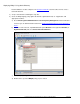
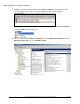
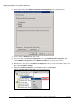
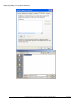
iii) Click OK when complete.
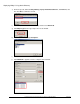
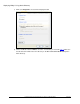
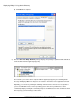
u) Once the DeLorme XMap Network package displays, the package is published and available to
client machines with the applied group policy.
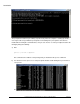
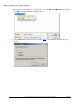
The next time you restart a client computer with the applied group policy, the following install
message will display. Note: You may have to restart the client twice for the application to install.
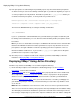
Optionally, you can also try running the following command on the client to force it to update. If
you are on a Windows Vista or newer operating system client, then you will have to start a
command prompt by running the command prompt as an administrator for this command to work.
This may keep you from having to reboot twice: