
Guide

Deploying XMap 7 Using Active Directory
Contact DeLorme Professional Sales for support: 1-800-293-2389 Page 25
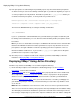
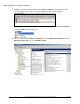
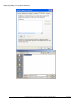
k) Highlight a computer to add to the policy and click OK. Click OK again to add the policy under
Security Filtering. Perform steps g–j for each computer you want to add to the policy.
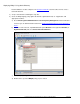
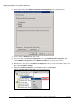
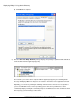
l) Once all of the computers have been added, right-click your policy under Group Policy Objects
and then click Edit. A new window opens.
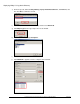
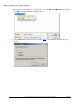
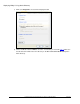
m) In the tree view, expand Computer Configuration, expand Administrative Templates, expand
Windows Components, and select Windows Installer.