
Guide



Introduction
Contact DeLorme Professional Sales for support: 1-800-293-2389 Page 15
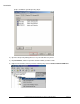
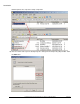
14) Double-click the Startup Scripts icon in the Group Policy Object Editor. Click the Show Files button
on the Startup Properties dialog once it appears.
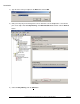
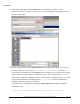
15) A file explorer window opens to the group policies startup script folder. Open another window to the
network share folder that contains the Prerequisites setup that you created in step 2. Copy the