
Guide



Introduction
Contact DeLorme Professional Sales for support: 1-800-293-2389 Page 13
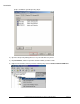
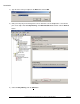
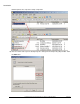
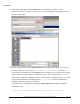
10) On the Select User, Computer, or Group dialog click the Object Types button, select Computers in
the Object Types dialog, and then click OK.
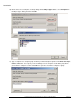
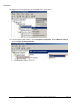
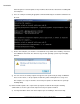
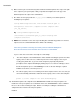
11) Type a computer or a computer group for which you want install prerequisites in the Enter the object
name to select box. See step 4 if you are installing to a lot of computers as this dialog only allows
you to add one computer at a time. Click OK once you have entered the computer or group.