
Guide



Introduction
Contact DeLorme Professional Sales for support: 1-800-293-2389 Page 12
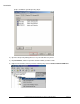
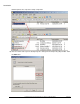
7) Type the name of the prerequisite in the Name box and click OK.
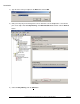
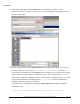
8) Click your new policy in the management console and make sure the Scope tab is selected in the
pane on the right. Under Security Filtering, click Authenticated Users and then click the Remove
button.
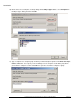
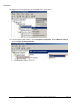
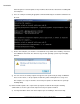
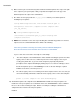
9) Under Security Filtering, click the Ad
d button.