
Pilot's Guide



Garmin G1000 Pilot’s Guide for the Beechcraft C90A/GT/GTi
190-00663-03 Rev. A494
ADDITIONAL FEATURES
CHART OPTIONS
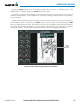
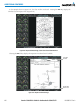
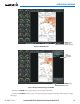
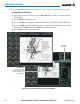
Selecting the CHRT OPT Softkey displays the next level of softkeys, the chart options level (Figure 8-21).
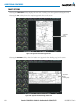
Selecting the ALL Softkey shows the complete approach chart on the screen.
Complete
Chart
Shown
Figure 8-35 Approach Information Page, ALL View
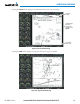
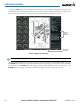
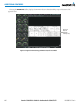
Selecting the HEADER Softkey shows the header view (approach chart briefing strip) on the screen.
Approach
Chart
Briefing Strip
Figure 8-36 Approach Information Page, Header View