
User Guide




190-00592-01 Rev. A
Garmin G1000 Pilot’s Guide for the Diamond DA40/40F
6-19
HAZARD AVOIDANCE
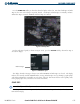
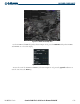
Figure 6-22 SIG/AIR and Cloud Tops Data
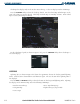
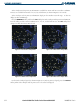
For the SIGMET and AIRMET legend (as shown in Figure 6-23), press the LEGEND Softkey when SIGMETs
and AIRMETs are selected for display.
Figure 6-23 SIGMET/AIRMET Legend
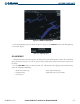
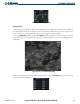
To view the text of the
SIGMET or AIRMET (as shown in Figure 6-24), press the Joystick and move it
over the icon. Press the ENT Key.