
User Guide


190-00592-01 Rev. A
Garmin G1000 Pilot’s Guide for the Diamond DA40/40F
5-75
GPS NAVIGATION
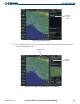
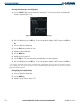
Figure 5-72 Sort by Comment Option
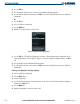
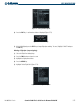
4) Press the ENT Key. A confirmation window is displayed (Figure 5-73).
Figure 5-73 Proceed Message
5) With OK highlighted, press the ENT Key to change flight plan ordering. To cancel, highlight ‘CANCEL’ and press
the ENT Key.
Deleting a flight plan (stop navigating):
1) Select the Flight Plan Catalog Page
2) Press the FMS Knob to activate the cursor.
3) Highlight the flight plan to delete.
4) Press the MENU Key.
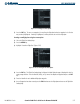
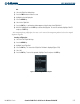
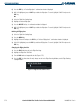
5) Highlight ‘Delete Flight Plan’ (Figure 5-74).
Figure 5-74 Delete Flight Plan Option