
Database Security System User Guide


Report Manager Custom Reports
FortiDB Version 3.2 Utilities User Guide
15-32000-81369-20081219 37
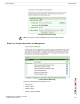
Templates Manager: Modifying a Template Page
Generating Reports
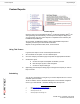
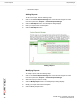
To generate a report, take the following steps:
1 From the Custom Reports Manager page, click the Generate Report button.
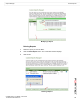
2 In the Template parameters page, select the template you want to use from the
pull-down list.
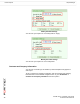
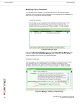
3 To set parameter values to filter the report data, click the Settings button.
You may limit the rows returned by:
• Specifying a "like" or "not like" Column Name condition.
•The Filter Value is case sensitive
• You can use a % wild card with your search strings there. In the
Application filter row, %B% will return records whose application is
'UBM', for example.
• Specifying a specific Time Period
• Using the Limit Rows text box to specify the number of data rows you want in
your report.
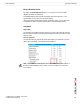
Report Result
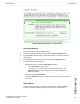
You can display your report in PDF, Excel, Tab delimited, or Comma delimited
formats. You can also export your report and save in your local computer.