
Database Security System User Guide


FortiDB Version 3.2 Utilities User Guide
34 15-32000-81369-20081219
Custom Reports Report Manager
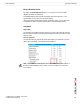
• Generate a Report
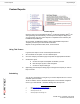
Adding Reports
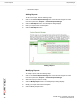
To add a new report, take the following steps:
1 Click on the Custom Reports Manager link on the left-side navigator or select
from the top bar menu, Reports -> Custom Reports Manager.
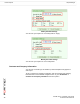
2 Click the Add Report button. The Add Report dialog displays.
3 Enter your report name and description.
4 Click the Add Report button.
Adding a Report
Modifying Reports
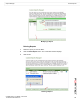
To modify a report, take the following steps:
1 Click on the Custom Reports Manager link on the left-side navigator or select
from the top bar menu, Reports -> Custom Reports Manager.
2 Select the report you want to modify.
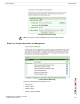
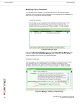
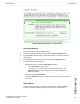
3 Click the Modify Report button. The Modify Report dialog displays.
4 Modify your report name and/or description.
5 Click the Modify Report button.