
Autopetfeeder Manual





The Autopetfeeder is capable of feeding your pet 8 times per day. You can set the ON time and the OFF time for
the feeder 8 times per day. This will give you control over the amount of food you feed your pet and also the time
you pet is fed. By pressing PROG button you will enter into programming mode. The display will now show 1 .
This means program #1 and ON time (time when the feeder turns ON) By pressing the PROG button again the
display will change to 1 . This means program #1 and OFF time (time when the feeder turns OFF) The time
between ON and OFF determines the quantity of food fed to the pet by the Autopetfeeder. By pressing PROG
repeatedly we can program up to 8 times i.e. 8 and 8 .
ON
OFF
ON
OFF
7
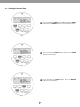
To set day light saving time, press the HOUR and the
MINUTE button simultaneously. This will make the clock to
run an hour ahead.
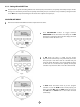
This introduces a symbol indicating a small clock above
the black dot on the display. This is possible only in clock
mode. This indicates that the timer is set in day light saving
Mode.
2.2.1 Day Light Saving Time
Fig 4
Fig 5
2.3 Understanding the Timer
2.3.1 Number of meal times per day
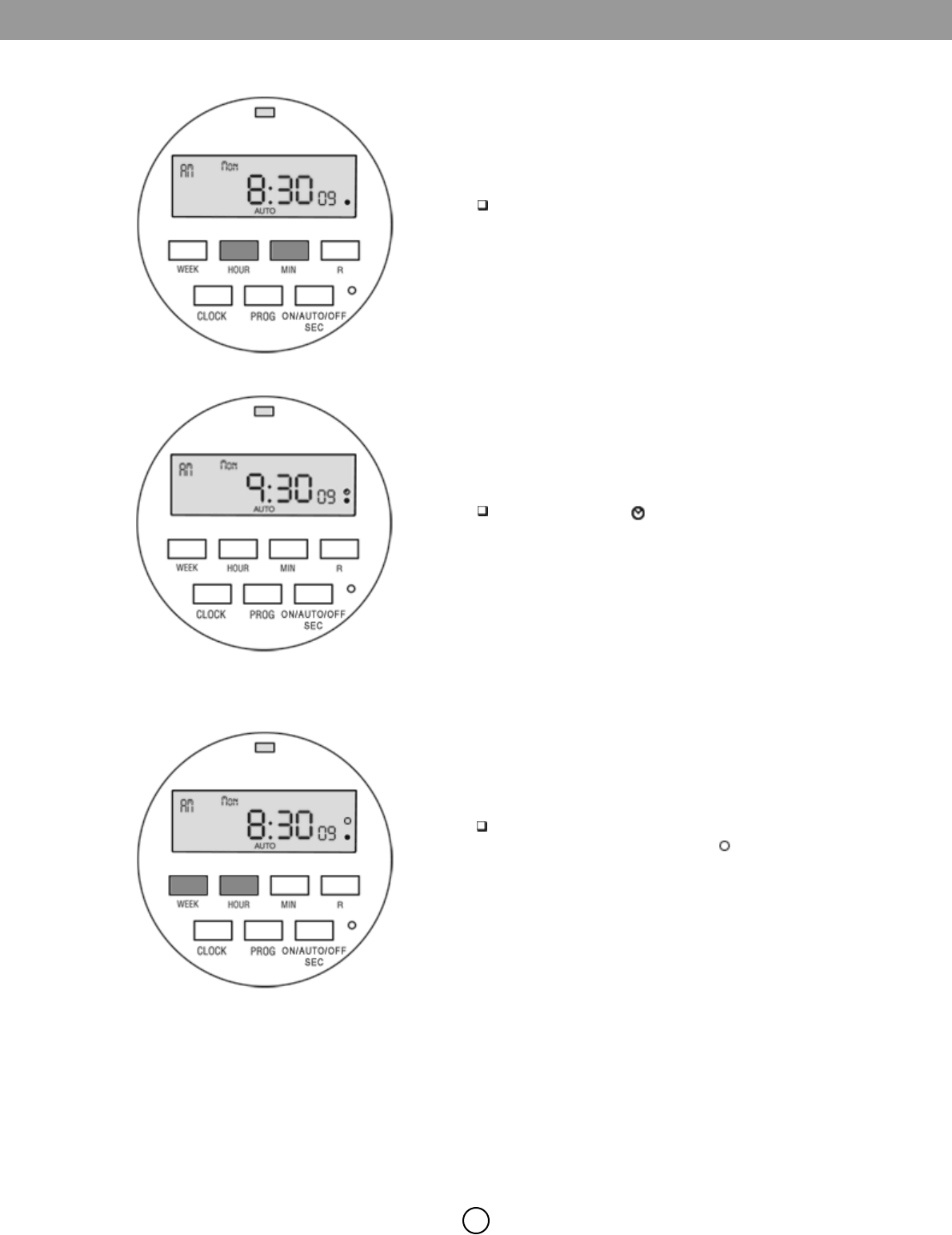
By Pressing the WEEK and HOUR at the same time you will
activate the random function. Symbol will be visible on
the display. DO NOT USE THIS FUNCTION.
2.2.2 Random Function: DO NOT USE