
Autopetfeeder Manual


13
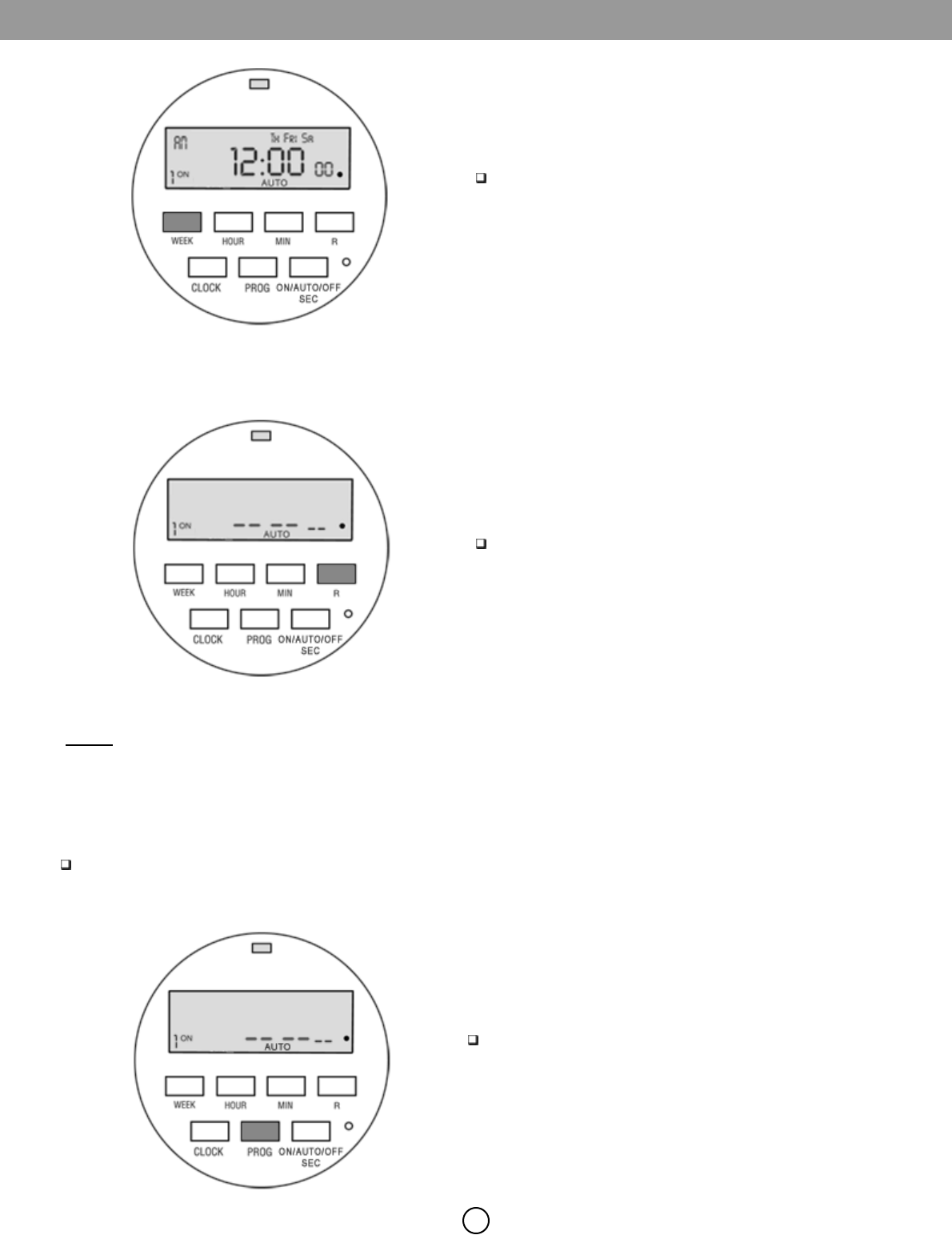
Press WEEK button again to go to three days option
which is to schedule for next three days of the week
such as thu, fri & sat.
Press R button to erase all schedules.
2.4 Erasing all Schedules
Fig 19
Fig 20
2.5 Timer Programming Examples:-
Let us set a schedule of ON time for 8 a.m. and OFF time of 8 hours, 1minute, 30seconds. After 1minute & 30seconds the
feeder will turn OFF.
Press PROG button to enter in to program mode. The
display will show 1 which means that we are
setting the 1
st
schedule ON time.
Fig 21
2.5.1
ON
NO
TE:
If you don’t press a button while in program mode you will be taken back to CLOCK mode.