All in One Printer User Manual
Manuals
Brands
Epson Manuals
All in One Printer
STYLUS 7890
41
42
43
44
45
46
47
48
49
50
43
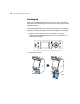
Setting
Up the Printer
|
43
3.
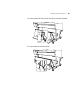
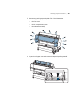
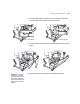
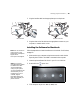
Remove any packing tape and plastic film. Check these areas:
•
the front cover
•
the ink compartment covers
•
the maintenance tank(s)
4.
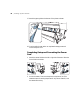
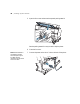
Open the roll paper cover and remove the tap
e and packing material.
1
...
...
41
42
43
44
45
...
...
224