
Using Guide


13
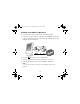
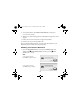
5. At the Install Menu, click Install Printer Manual to install your
on-screen User’s Guide.
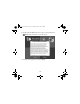
6. When you’re done installing software, click
Exit. The registration screen
appears.
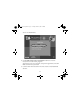
7. Follow the on-screen instructions to register PictureMate.
8. Remove and store your PictureMate CD.
After you finish installing software, you must select PictureMate as your
Macintosh printer. Follow the instructions below.
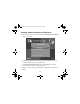
Selecting Your Printer in Mac OS X
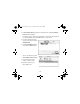
1. Open the Applications folder, then open the Utilities folder and
double-click
Printer Setup Utility (OS X 10.3.x) or Print
Center (OS X 10.2.x).
Note:
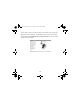
If you see this screen,
click Add and go to step 3.
If you see this screen,
click
OK and go to step 3.
Usingwcomputer.fm Page 13 Tuesday, March 29, 2005 3:48 PM