
Using Guide


9
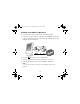
Installing PictureMate for Macintosh
1. If you inserted a memory card, remove it from PictureMate.
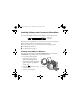
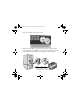
2. Connect the square end of your USB cable to the
USB port on the back
of PictureMate. Then connect the flat end of the USB cable to any open
USB port on your Macintosh.
3. Press the
On button to turn on PictureMate.
4. Turn on your Macintosh and wait a minute for it to start up.
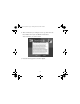
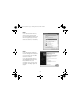
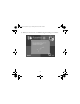
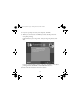
5. Insert the PictureMate CD in your CD-ROM or DVD drive.
Note:
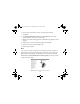
If you have any problems installing the PictureMate software, see
page 16.
Usingwcomputer.fm Page 9 Tuesday, March 29, 2005 3:48 PM