
Technical data


Owner’s Manual
24
PRG
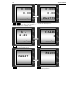
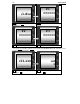
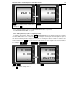
- Parameter for work with Scanner
PRG
– Parameter for work with scanner
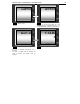
By pressing PRG the scale is going back to “WEIGHING Mode”
From each function of the Service Mode you can switch to “WEIGHING Mode” by pressing CP .
8.4.2. Switching to “Service mode 2”
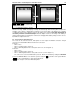
In WEIGHING Mode press PRG followed by DW . For setting the parameter are used the keys
0 .. 9 , C ; PRG – for switching to next parameter, CP – for switching back to WEIGHING
Mode. The non-numerical fields are changed by C , (When changing the non-numerical fields, the
whole text/field is blinking).
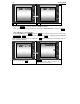
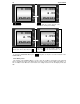
The decimal point in the price (0/1 -
Yes/No) is changed by the C key.
PRG
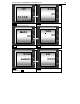
– Parameter LABEL – indicates the
number of the active label for dispatch to the
label printer (in mode CASH x7)
LABEL
0
dP.- 1
SP.200
SP.104