
User's Guide


5
Overview
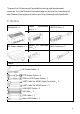
Manifold 2
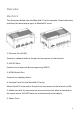
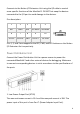
The illustrators below take the Manifold 2-G as an example. Unless otherwise
specified, the descriptions apply to Manifold 2 series.
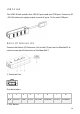
1. Ethernet Port (RJ-45)
Connect a network cable to the port to have access to the Internet.
2. USB 3.0 Ports
Connects to an external device supporting USB3.0.
3. HDMI Output Port
Connects to a display device.
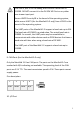
4. Antenna Ports (for the Manifold 2-G only)
Mount the Wi-Fi antennas to the ports to have access to the Internet via Wi-
Fi. Make sure that the two antennas are vertical to each other or towards to
the signal source. DO NOT block the antennas with metal objects.
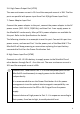
5. Power Ports