
Technical data

|
Configuration
25
|
devolo dLAN 200 AV Wireless G
|
3.5 Managment
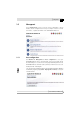
Use the Management section to reset your current configuration to factory
defaults, save the configuration as a file on your computer or restore such a file
to the device, or update the firmware of the dLAN
200 AV Wireless G.
3.5.1 Reset configuration
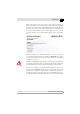
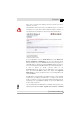
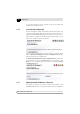
Use Overview 왘 Management 왘 Reset configuration to reset your
dLAN
200 AV Wireless G to its factory defaults. Your personal settings will be
discarded during the reset. The most recently assigned dLAN password for the
dLAN
200 AV Wireless G will be retained, however, and will not be reset to the
default password "HomePlugAV".
You can change the dLAN password by using the dLAN Configuration Wizard in
the Windows program group (Start
왘
All programs
왘
devolo) or using the
encryption button.