
User Guide
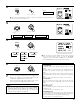
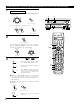


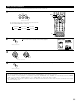
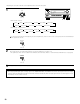


Table Of Contents
- SAFETY PRECAUTIONS
- NOTE ON USE
- SAFETY INSTRUCTIONS
- INTRODUCTION
- TABLE OF CONTENTS
- ACCESSORIES
- 1. BEFORE USING
- 2. CAUTIONS ON INSTALLATION
- 3. CAUTIONS ON HANDLING
- 4. FEATURES
- 5. CONNECTIONS
- 6. PART NAMES AND FUNCTIONS
- 7. SETTING UP THE SYSTEM
- 8. REMOTE CONTROL UNIT
- 9. OPERATION
- 10. SURROUND
- 11. DSP SURROUND SIMULATION
- 12. LISTENING TO THE RADIO
- 13. LAST FUNCTION MEMORY
- 14. INITIALIZATION OF THE MICROPROCESSOR
- 15. TROUBLESHOOTING
- 16. ADDITIONAL INFORMATION
- 17. SPECIFICATIONS
56
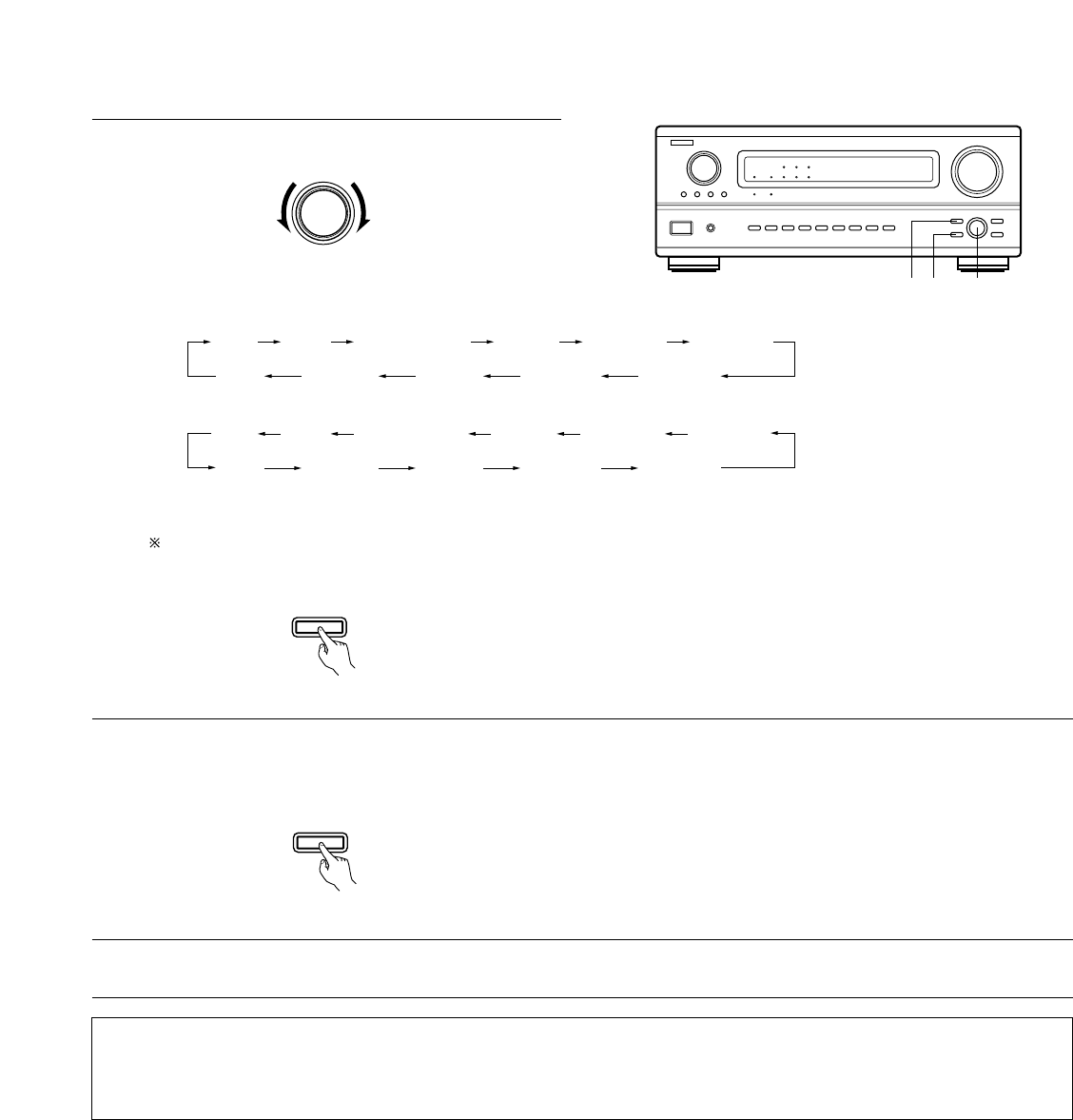
• Operating the surround mode and surround parameters from the main unit‘s panel.
1
Turn the SELECT knob to select the surround mode.
SELECT
• When turned clockwise
• When turned counterclockwise
2
Press the SURROUND PARAMETER button.
Press and hold in the surround parameter button to select the parameter you want to set.
• The parameters which can be set differ for the different surround modes. (Refer to “Surround Modes and Parameters” on page 59.)
SURROUND
PARAMETER
3
Display the parameter you want to adjust, then turn the SELECT knob to set it.
B
1 2 1,3
(Main unit)
(Main unit)
To select the surround mode while adjusting the surround parameters, channel volume or tone control, press the surround mode button
then operate the selector.
NOTE:
• When playing PCM digital signals or analog signals in the DOLBY PRO LOGIC, DTS NEO:6 modes and the input signal switches to a digital
signal encoded in Dolby Digital, the Dolby surround mode switches automatically. When the input signal switches to a DTS signal, the mode
automatically switches to DTS surround.
SURROUND
MODE
(Main unit)
DIRECT STEREO DOLBY PRO LOGIC II DTS NEO:6 5/7CH STEREO
MONO MOVIEROCK ARENAJAZZ CLUBVIDEO GAMEMATRIX
DIRECT STEREO DOLBY PRO LOGIC
II DTS NEO:6 5/7CH STEREO
WIDE SCREEN
WIDE SCREEN
MONO MOVIEROCK ARENAJAZZ CLUBVIDEO GAMEMATRIX