
Solution Guide


Triage 37
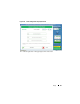
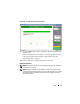
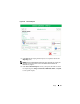
Figure 2-21. Generate Reports
3
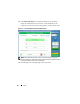
Click
OK
when the report generation process is complete to return to the
Reporting
menu.
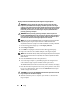
NOTE: Refer to the SPEKTOR User Manual for more information on creating and
exporting reports using specific criteria. See "Related Documentation and
Resources" on page 16.
4
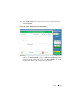
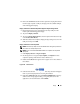
Click
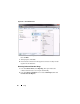
View Collection Report
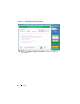
to review your reports, then click one of the
five report categories,
Images
,
Documents
,
Multimedia
,
Other
, or
System
,
to view specific reports.