
Solution Guide


36 Triage
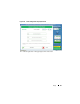
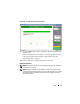
Figure 2-20. Run as Administrator
6
Enter the information requested in the
SPEKTOR Live Collection
screen,
then click
Run
.
7
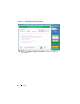
When prompted, click
Close
.
8
Disconnect the Collector from the target device and store it safely for later
ingestion into the datacenter.
Reviewing Collected Files After Triage
1
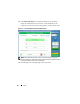
From the
Collector Menu
, click
Reporting
. This option indexes the
collected data and creates a set of reports automatically.
2
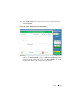
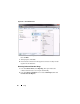
From the
Collector Collections
screen, select a
Main Report
, then click
Generate Selected Reports
.