
Manual

44
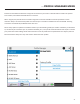
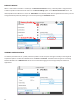
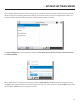
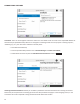
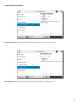
Custom proles are easy to create on NX. Simply select or highlight a prole already in the list and
select
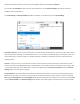
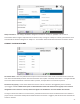
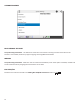
Prole creaon is segmented into commonly used and advanced opons. In order to simplify the interface, Advanced
opons are normally hidden from the user. Once a prole is dened, it will be available from the Prole list.
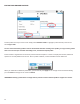
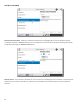
When you make edits to dierent parameters, you will need to press for the changes to be saved. Alternavely,
you can the changes or set it back to .