
Manual

42
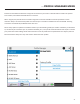
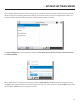
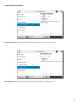
When a new remote connecon is created (on the screen), a default prole is assigned unless
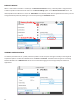
a dierent prole is selected from the menu on the opon on the menu. The
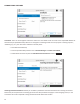
default prole shows a D next to it in the list. is the default prole when shipped from the factory. You can
change the default prole by selecng it in the list and pressing the buon.
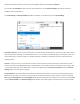
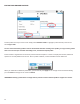
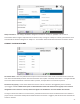
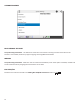
To view the parameters set for a prole, select the prole in the list and press the right arrow key on the keypad to
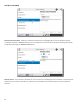
expand the opons. The rst two editable entries are and . The default channel type for connecng
between ACCESS units is . We do not recommend changing the channel type except for advanced
applicaons.