
Manual

22
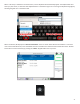
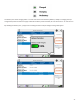
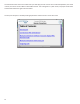
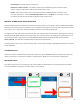
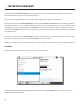
The other main screens are selected by pressing the Menu icon on the upper le corner of the display. This will open a
list of the opons on the le side. The “” key on the keypad mimics this.
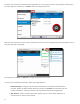
Whenever one of the main menus is chosen, opons within that menu can be displayed by pressing the Opons icon on
the upper right side of the display.
Pressing either the “” or “” Icon again removes the slide-out list.
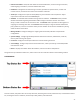
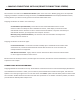
The main screens available for operaon, status and conguraon are:
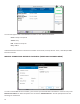
1 - Congure and check the status of Ethernet and aached network devices
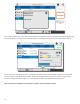
like Wi-Fi, 3G/4G, and POTS modems. Allows the creaon of “” for each device (to save
specic parameters in memory) and Wi-Fi scanning, network selecon and conguraon.
2 - Used in situaons where your network requires “click through” agreement or
password entry to connect to the Internet.