
UPS Operation and Reference Guide R6000
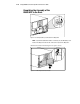
Table Of Contents
- Compaq R6000 Series UPS Operation and Reference Guide
- Notice
- Contents
- About This Guide
- Chapter 1: Introduction
- Chapter 2: Installation
- Chapter 3: Operation
- Chapter 4: Configuration
- Chapter 5: Battery Maintenance
- Chapter 6: Troubleshooting
- Appendix A: Regulatory Compliance Notices
- Appendix B: Electrostatic Discharge
- Appendix C: Specifications
- Index
Installation 2-17
Connecting Communications Ports
CAUTION: To avoid damage to the equipment, only use the communications
cables with the part number:
295245-004 (Twelve-foot interface cable)
One is supplied with your kit. This UPS/Computer Interface Cable carries power
and is specifically designed for UPS communications.
Connecting Communication Ports to Other Devices
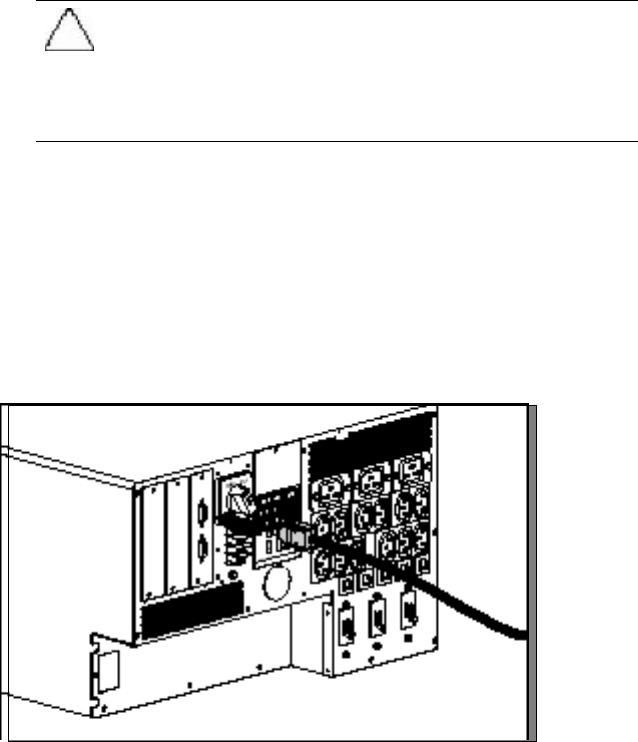
Connect Port 1 of the UPS communication ports to the appropriate
communication port on the host computer using a UPS/Computer Interface
Cable.
In a single host computer setup, Port 2 is used for additional power
management applications, such as Compaq Power Management Software,
LanSafe III, FailSafe III, and OnliNet.
Figure 2-14. Connecting a DE9 communication cable