
UPS Operation and Reference Guide R6000
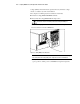

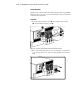
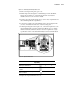
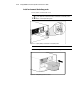
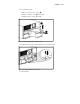
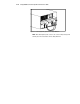
Table Of Contents
- Compaq R6000 Series UPS Operation and Reference Guide
- Notice
- Contents
- About This Guide
- Chapter 1: Introduction
- Chapter 2: Installation
- Chapter 3: Operation
- Chapter 4: Configuration
- Chapter 5: Battery Maintenance
- Chapter 6: Troubleshooting
- Appendix A: Regulatory Compliance Notices
- Appendix B: Electrostatic Discharge
- Appendix C: Specifications
- Index
Installation 2-13
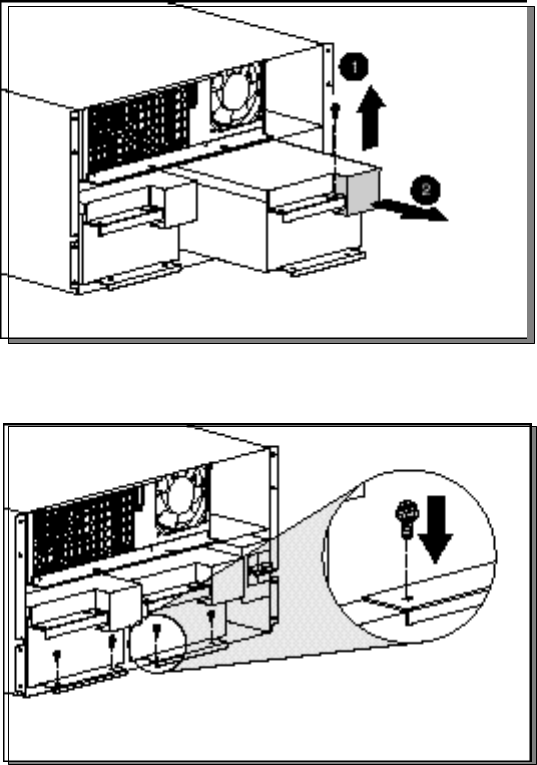
3. For each battery pack:
a. Take out connector cover screw (1).
b. Remove connector cover (2) and discard.
c. Replace screw to secure sheet metal.
Figure 2-9. Removing battery pack connector covers
4. Secure the batteries to the chassis with screws provided in the kit.
Figure 2-10. Attaching battery packs to chassis
5. Connect cables.