
Specifications



Removal and replacement procedures 91
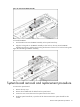
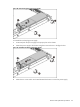
Figure 79 Removing the BBWC Assembly
To reinstall the BBWC:
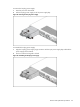
1. Push the tab that secures the BBWC assembly to the system board tray.
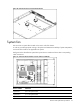
2. Align the locking tabs on the BBWC assembly to their holes on the tray. Press the BBWC
assembly into the tray, and then push it along the direction of the arrow to lock the locking tabs.
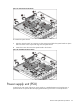
Figure 80 Reinstalling the BBWC Assembly
System board removal and replacement procedure
To remove the system board:
1. Remove the top cover.
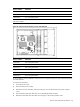
2. Remove the air baffle and all cables from the system board.
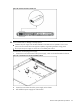
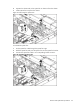
3. Loosen the nine screws that secure the system board to the chassis.
4. Slide the system board back, up and out of the chassis. Remove the system board from the
chassis.