
Specifications




Removal and replacement procedures 90
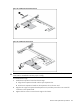
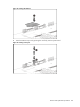
5. To insert the new battery, slide one edge of the replacement battery under the holder’s lip with
the positive side up. Push the other edge down until the clamp snaps over the other edge of the
battery.
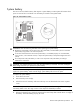
Figure 77 Replacing the System Battery
BBWC (Optional)
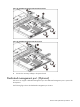
This server can support a BBWC. The BBWC is optional for the shipment.
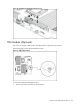
Figure 78 BBWC Location
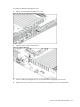
To remove the BBWC assembly:
1. Push the tab that secures the BBWC assembly to the system board tray.
2. Slide the BBWC assembly, and then lift it out of the system board assembly.