
Specifications




Removal and replacement procedures 85
To reinstall the dedicated management port:
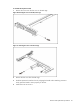
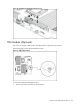
1. Remove the dedicated management port cover.
Figure 68 Removing the Dedicated management Port Cover
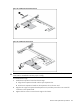
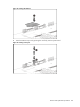
2. Insert the spacer into the system board.
Figure 69 Inserting the Spacer
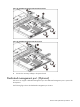
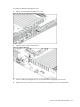
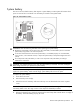
3. Insert the dedicated management port into the dedicated management port connector.
4. Tighten the screw clockwise to secure the dedicated management port to the system board.