
Specifications




Removal and replacement procedures 81
To install the PCI expansion board:
1.
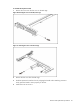
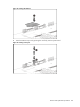
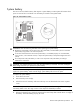
Remove the screw near the slot cover on the PCI cage.
Figure 60 Removing the screw on the FH/FL PCI cage
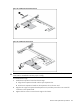
Figure 61 Removing the screw on the LP PCI cage
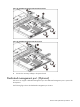
2. Remove the slot cover from the PCI cage.
3. Slide the expansion board into the slot, aligning the board with its matching connector.
Firmly press the board to seat it properly on the slot.
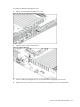
4. Fasten the screw to secure it.