
Specifications


Advanced Features
39
Advanced Features
38
continued
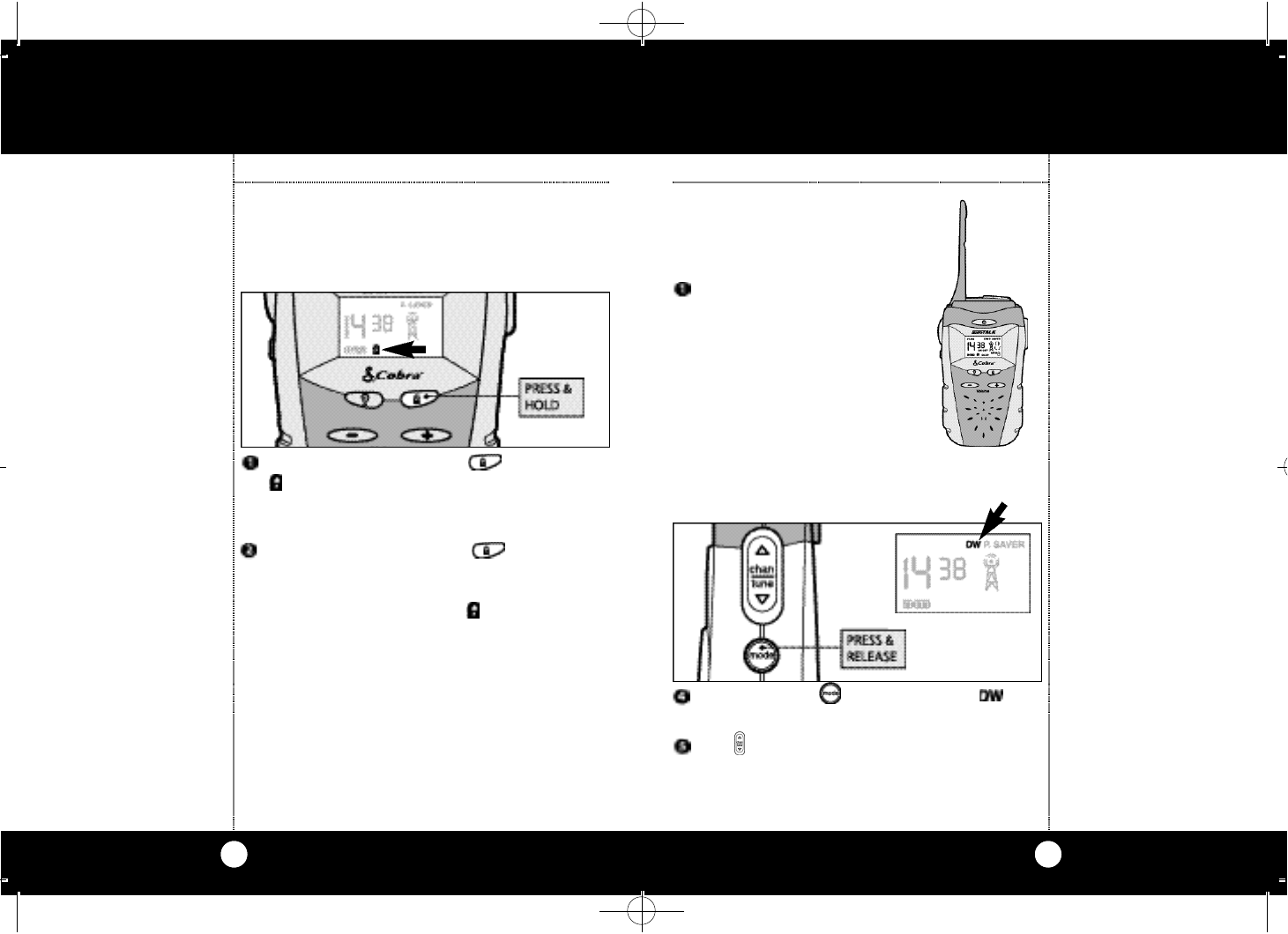
Press and hold for one seco n d Lock Bu t to n .
i c on flashes. If the Beep Fu n ction is ON yo u
will hear an audible co n f i rm at i o n .Most butto n s
a re loc ke d .
To“unlock”press and release button again.
If the Beep Fu n ction is ONyou will hear an audi-
ble co n f i rm at i o n .Most buttons are loc ke d.
Buttons are“unlocked”and icon disappears.
Note
Call Button, Range Extender
Button and Talk Button
do not lock and are fully
operational while the unit
is locked.
The unit cannot lock while
in Function Mode.
Lock Function
The purpose of the LOCK function is to lock most
buttons to avoid accidental operation.
To engage the LOCK function:
Lock Function
Dual Watch Function
Dual Watch allows you to simultane-
ously monitor any two pre s e l e cte d
Family Radio Se rv i ce channels.
Select first channel and CTCSS
code which you desire to Dual
Watch. (please see pages 6
and 7).
Dual Watch
Function
Dual Watch
Function
Dual Watch Function
Press and release Mode Bu t ton unt i l
i con flashes.
Pre s s Channel Bu t ton up and down to
s e l e ct second channel.
FRS315WX MANUAL.qx 12/5/00 11:17 AM Page 38