
Specifications


Advanced Features
31
Press Channel Button up or down to begin
the scan mode.
The radio will stop at the first memory loca-
tion for 1/2 second.
• If no signal is detected it will move on.
• If a signal is detected,it will stay at that loca-
tion for 10 seconds. If you want to stay at
that location for more than 10 seconds,press
and release Talk Button.
Memory Scan
Function
Memory Scan Function continued
Advanced Features
30
Note
When you push and hold the
Talk Bu t to n ,the unit will ex i t
out to ope rational mod e.If
a f ter 10 seconds no select i o n
is made,the unit will return to
o pe r ational mod e .
Private Call (Voice Scrambling)
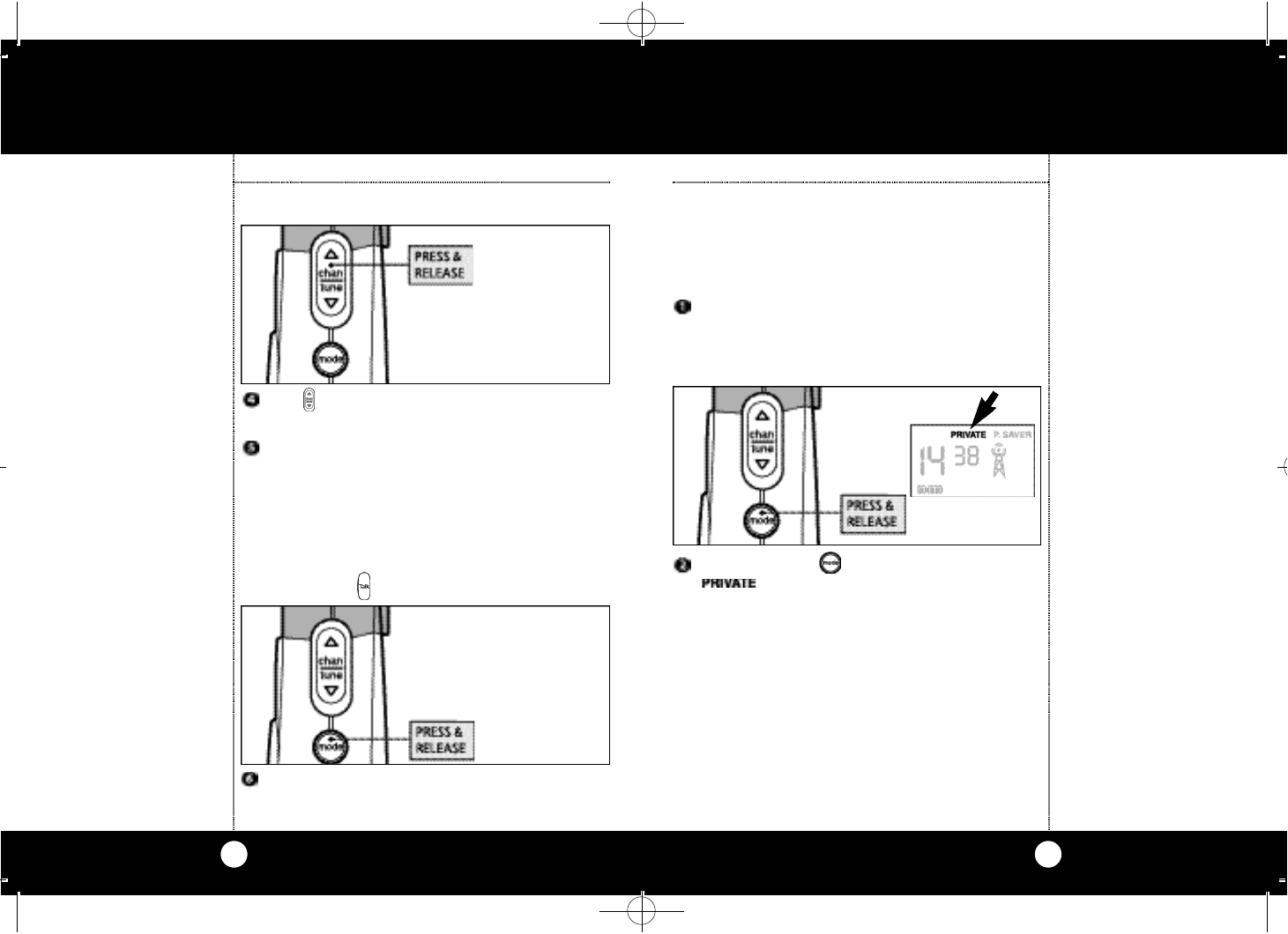
Private Call ensures that no one can eavesdrop on
your conversation.
To engage the Private Call function:
Turn on microTalk.An audible “tone”will
indicate the unit is on and then the LCD will
go through a 3 second self-test and then go
to Operational Mode.
Press and release Mode Button until
( ) icon flashes.
Private Call
(Voice
Scrambling)
continued
To leave Memory Scan, press and release the
Mode or Talk Button at any time.
FRS315WX MANUAL.qx 12/5/00 11:17 AM Page 30