
User manual


22
Chapter 7. Uninstalling Wireless Utility
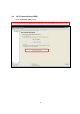
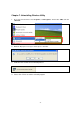
1. Go to start menu and then select “Programs” or “All Programs”. Find a folder “CNet” and click
“Uninstall”.
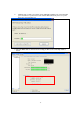
2.
Windows will pop the message as below, please click “Yes”
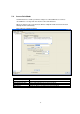
3. It will take few seconds to run uninstall process.
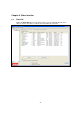
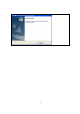
4. Please click “Finish” to exit the uninstall program