
User manual



15
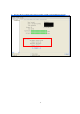
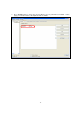
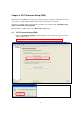
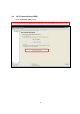
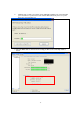
4. For example, our selected access point named CQR-980. Click into its setup pages to WiFi
Protected Setup and key in the PIN code into Client PIN Number, and then click Start PIN.
Note: You need to make this PIN function started before the WPS connection times out from client side
.
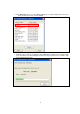
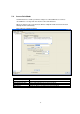
5. Once the WPS status is connected successfully, you will see the connecting details as
below.