
User guide

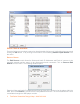
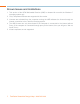
Table Of Contents
Running the VMR Application 6
PLAYING THE STREAM
Video tab
You can Play or Stop the selected stream coming to your PC with the drop down list from the
Video Tab. You can also change the screen settings for VMR from Full Screen to Always on Top
in this menu as well.
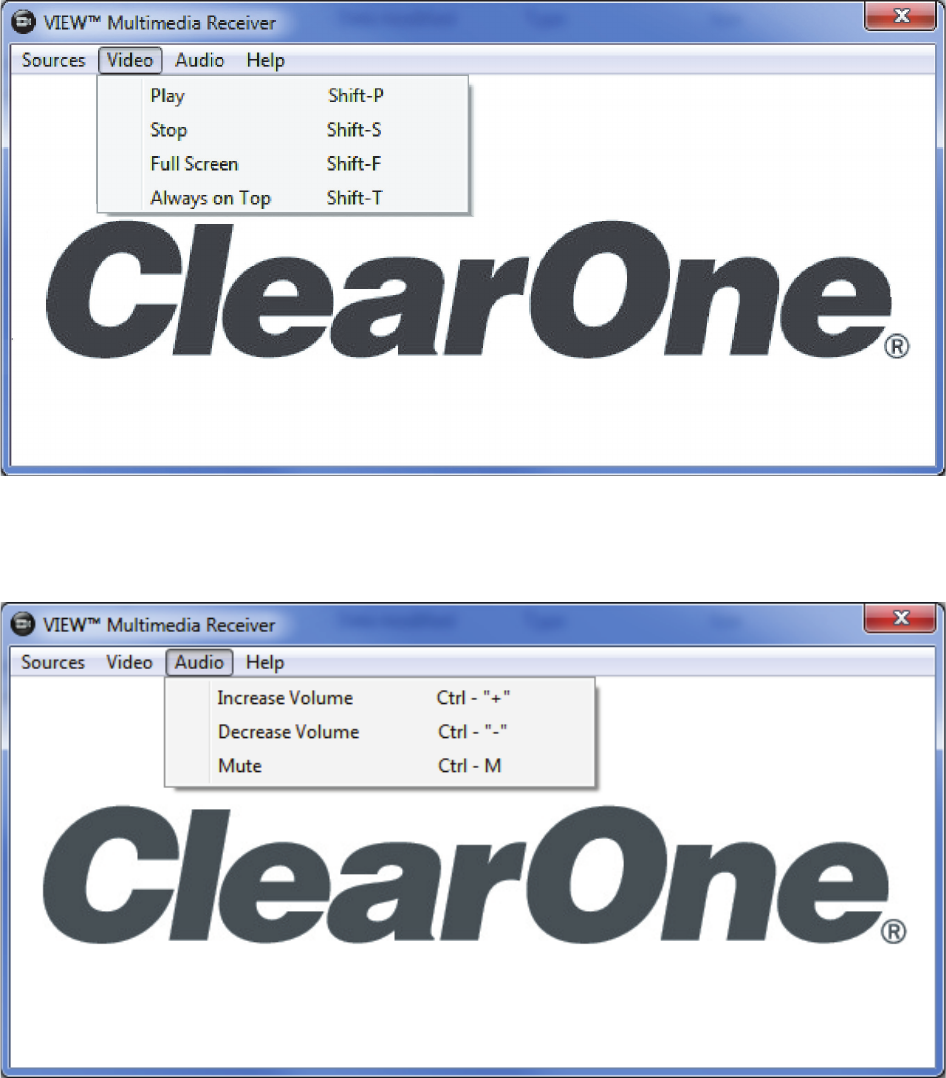
audio tab
The Audio Tab allows you to control the Increase Volume, Decrease Volume and Mute
commands of your PC as well as the hot keys +,- and M.