
User guide


Using Your WIP310
Using Messaging
Cisco WIP310 User Guide 65
3
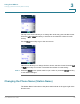
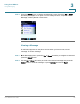
STEP 2 Press the Select button to display the Messaging menu. Press the Up or Down
Arrow key to navigate to an option. You can view your Inbox, compose a New
Message, view any Drafts or Sent Items.
Viewing a Message
A notification appears on the phone screen when you have a new, unread
message. To view a message:
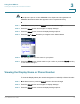
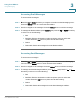
STEP 1 In the Messaging menu, press the Up or Down Arrow key to navigate to
Inbox
and
press the Select button.
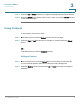
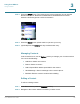
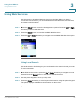
STEP 2 Use the Up or Down Arrow key to scroll to the desired message and press the
Select button to view the message or press Options and choose Read.