
User guide


Using Your WIP310
Using Messaging
Cisco WIP310 User Guide 64
3
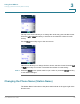
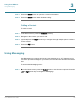
STEP 3 Press the Select button to open the contact’s information.
STEP 4 Press the Select button when finished editing.
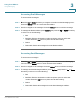
Calling a Contact
To call a contact:
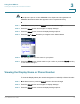
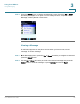
STEP 1 In the Home screen, press the Contacts soft key.
STEP 2 Navigate to the contact you want to call.
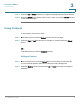
STEP 3 (Optional) Press the Right Arrow key to navigate through multiple phone numbers
for the contact.
STEP 4 Press the Call button.
Using Messaging
Use Messaging to compose and send a text message up to 127 characters. You
can store up to 50 messages in your Inbox, 50 in the Sent box and 50 in the Drafts
box.
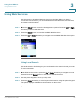
To access the Messaging menu:
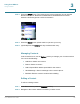
STEP 1 From the Home screen, press the Select button to see the menu options. Press the
Left or Right Arrow key to navigate to
Messaging
.