
User guide


Using Your WIP310
Using Contacts
Cisco WIP310 User Guide 62
3
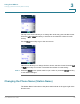
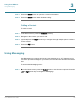
STEP 4 Press the Up or Down Arrow key to navigate to
Display Name
or
Phone Number
.
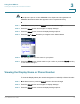
STEP 5 Press the Select button (check mark icon) to confirm or press the Cancel soft key
to exit without changes.
Using Contacts
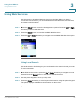
To access the Contact menu, either:
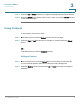
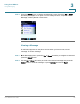
STEP 1 In the Home screen, press the Select button to choose
Settings
.
STEP 2 Press the Right or Left Arrow button to navigate to
Contacts
. Press the Select
button.
OR
In the Home screen, press the Contacts soft key.
Adding a Contact
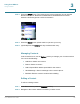
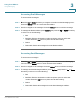
STEP 1 In the Contacts menu, press the Select button to access the Contacts list. All
current Contacts appear. If there are no names, an empty list appears.
STEP 2 Press the Options soft key and press the Up or Down Arrow key to navigate to
Add New
.