
User guide


Using Your WIP310
Using Speed Dials
Cisco WIP310 User Guide 54
3
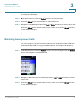
STEP 3 Press the Select button (check mark icon) to confirm or press the Cancel soft key
to exit without changes.
Using Speed Dials
Use this feature to add, edit or delete entries in your speed dial list. You can have
up to 98 Speed Dial numbers.
NOTE Speed Dial 1 is reserved for voice mail and is not editable.
Adding a Speed Dial Number
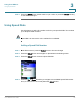
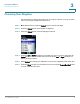
STEP 1 In the Home screen, press the Select button to choose
Settings
.
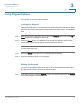
STEP 2 Press the Select button and navigate to
Speed Dial
in the Settings menu.
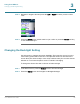
STEP 3 Press the Select button to see the Speed Dial list.
STEP 4 Press the Up or Down Arrow key to navigate to an available Speed Dial number
slot (1 is reserved for voice mail). Press the Select button.