
User guide




Installing the WIP310
Accessing the Wireless Network
Cisco WIP310 User Guide 33
2
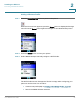
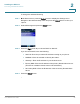
STEP 4 To search for the available networks, press the Options soft key, then navigate to
Scan Networks
. Press the Select button.
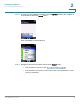
A list of available networks appears.
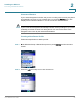
STEP 5 Navigate to the desired network and press the Select button:
• If the network is unsecured, see Unsecured Routers, page 34.
• If the network is secured, you will need to enter your passphrase or other
security credentials.