
User Manual

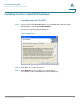
Table Of Contents
- Introduction
- Configuring Networking
- Configuring the Wireless Network
- Configuring the Firewall
- Configuring VPN
- Configuring Quality of Service (QoS)
- Administering Your Cisco RV110W
- Setting Password Complexity
- Configuring User Accounts
- Setting the Session Timeout Value
- Configuring Simple Network Management (SNMP)
- Using Diagnostic Tools
- Configuring Logging
- Configuring Bonjour
- Configuring Date and Time Settings
- Backing Up and Restoring the System
- Upgrading Firmware or Change the Language
- Restarting the Cisco RV110W
- Restoring the Factory Defaults
- Running the Setup Wizard
- Viewing the Cisco RV110W Status
- Using Cisco QuickVPN
- Where to Go From Here
Using Cisco QuickVPN
Installing the Cisco QuickVPN Software
Cisco RV110W Administration Guide 149
A
Installing the Cisco QuickVPN Software
Installing from the CD-ROM
STEP 1 Insert the Cisco RV110W CD-ROM into your CD-ROM drive. After the Setup
Wizard begins, click the Install QuickVPN link.
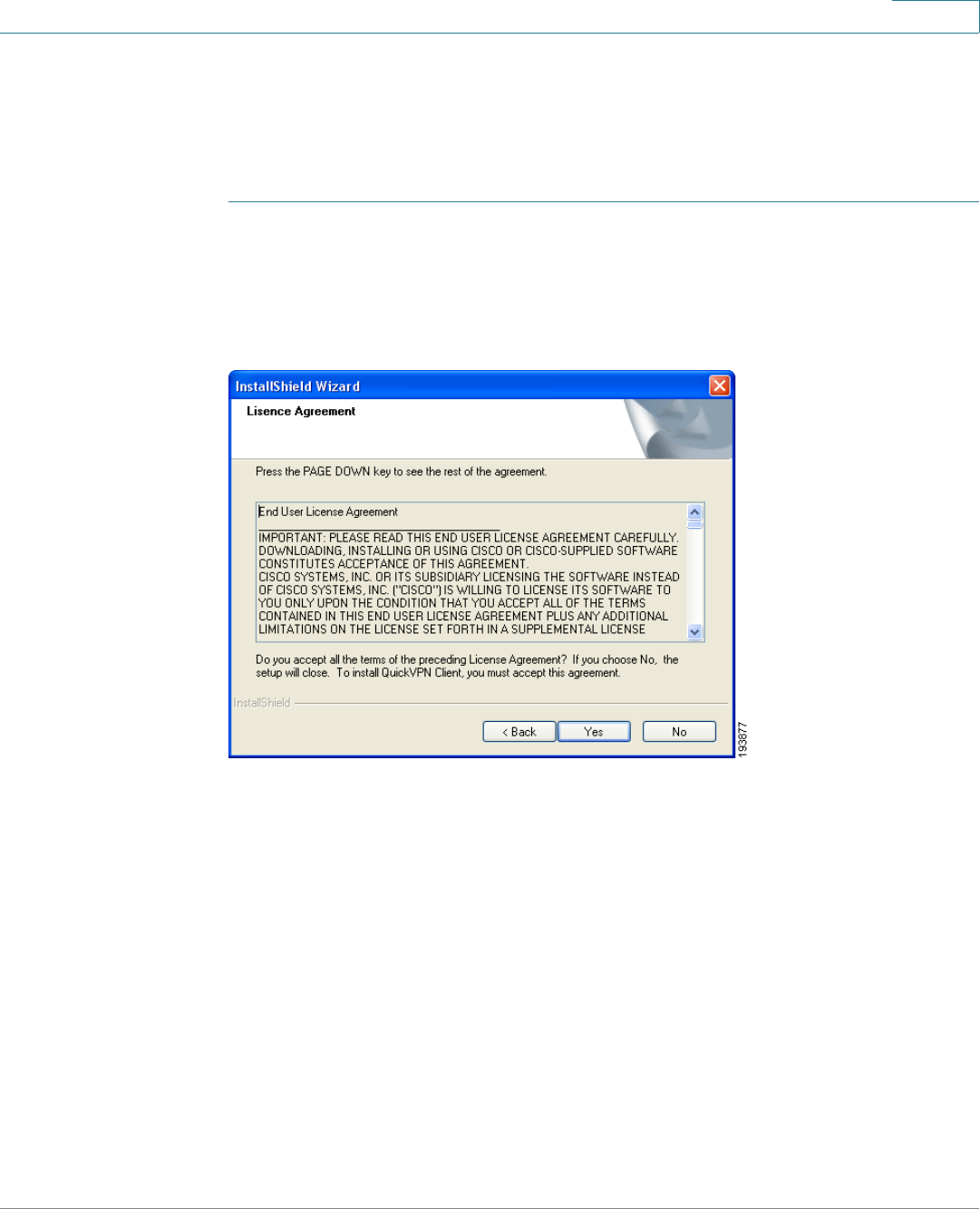
The License Agreement window appears.
License Agreement
STEP 2 Click Yes to accept the agreement.
STEP 3 Click Browse and choose where to copy the files to
(for example, C:\Cisco Small Business\QuickVPN Client).