
User Manual
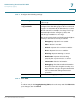
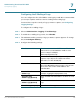
Table Of Contents
- Introduction
- Configuring Networking
- Configuring the Wireless Network
- Configuring the Firewall
- Configuring VPN
- Configuring Quality of Service (QoS)
- Administering Your Cisco RV110W
- Setting Password Complexity
- Configuring User Accounts
- Setting the Session Timeout Value
- Configuring Simple Network Management (SNMP)
- Using Diagnostic Tools
- Configuring Logging
- Configuring Bonjour
- Configuring Date and Time Settings
- Backing Up and Restoring the System
- Upgrading Firmware or Change the Language
- Restarting the Cisco RV110W
- Restoring the Factory Defaults
- Running the Setup Wizard
- Viewing the Cisco RV110W Status
- Using Cisco QuickVPN
- Where to Go From Here
Administering Your Cisco RV110W
Backing Up and Restoring the System
Cisco RV110W Administration Guide 130
7
!
CAUTION During a restore operation, do not try to go online, turn off the firewall, shut down
the PC, or use the firewall until the operation is complete. This should take about a
minute. When the test light turns off, wait a few more seconds before using the
firewall.
Backing Up the Configuration Settings
To backup or restore the configuration:
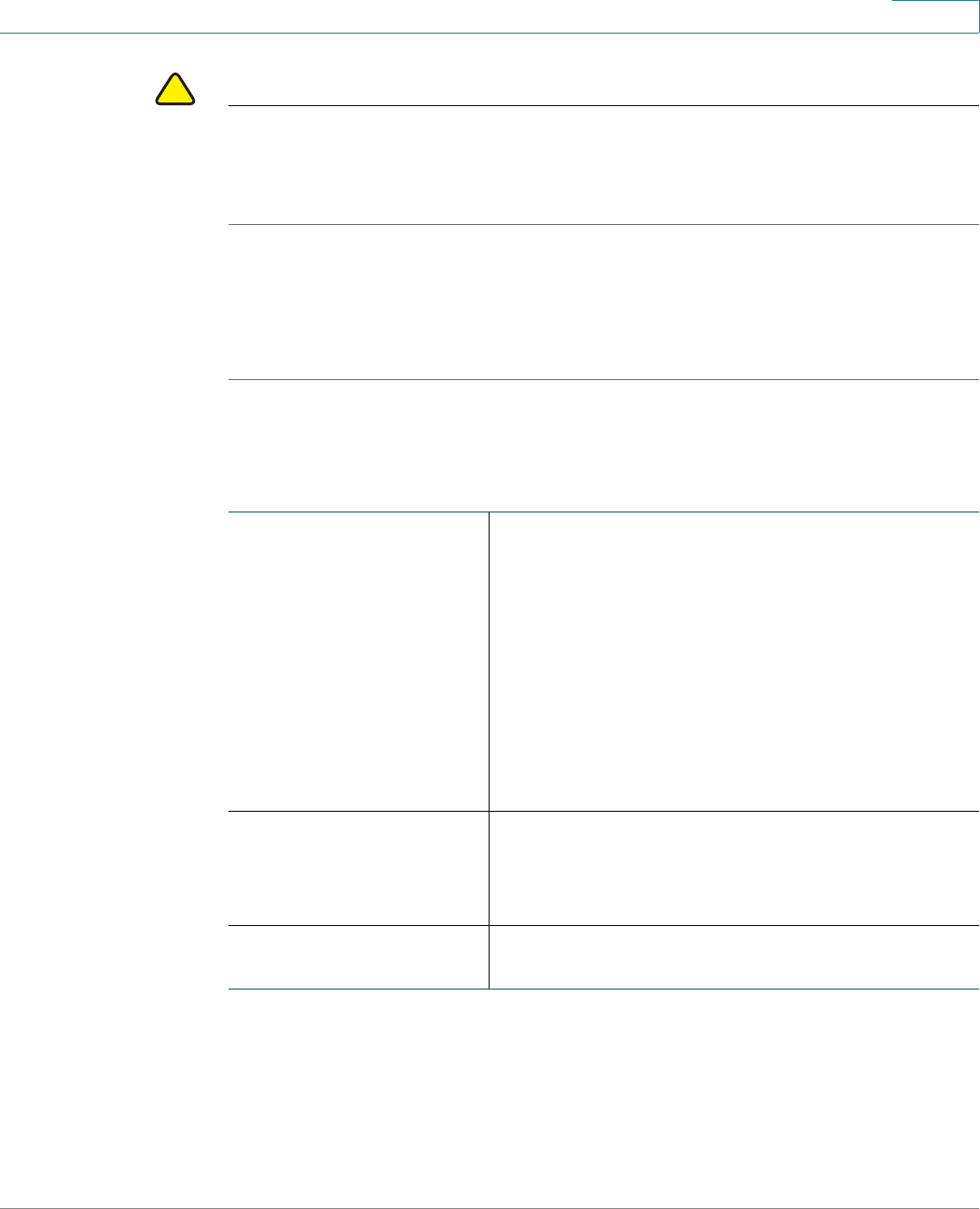
STEP 1 Choose Administration > Backup/Restore Settings.
STEP 2 Select the configuration to back up or to clear:
STEP 3 To download a backup file based on the selected configuration option,
click Download.
Startup configuration Select this option to download the startup
configuration. The Startup Configuration is the
most current running configuration that the
Cisco RV110W uses.
If the router startup configuration has been lost, use
this page to copy the Backup Configuration to the
Startup configuration and have all of their previous
configuration information intact.
You can download the Startup Configuration to
other Cisco RV110Ws for easy deployment.
Mirror configuration Select this option to instruct the Cisco RV110W to
back up the Startup Configuration after 24 hours of
operation without any change in the startup
configuration.
Backup configuration Select this option to back up the current
configuration settings.