
Administrator's Guide





Setting up an integrated installation 43
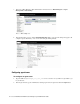
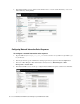
6. In the Edit IPCC Network settings window, view or edit the network settings of the machine. Click Next.
Edit the network settings
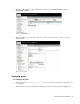
7. Click the Finish button to save the settings for the machine.
Click the Finish button
Configuring agent desk settings
To configure an agent desk setting:
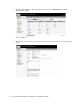
1. Type the URL
https://
Unified_SCCE_Server_Name
/uiroot/default/ipccAdmin/loginAdmin.jsp
in your browser.
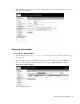
2. In the Login window, type the Administrator desktop login name and password. Click the Login button.