
Network Router User Manual
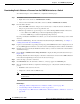
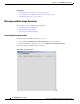
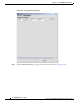
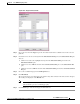
Table Of Contents
- Cisco WAN Manager Operations
- Saving and Restoring Configurations
- Downloading Software and Firmware
- Deleting Images
10-23
Cisco WAN Manager User’s Guide
Release 15, Part Number OL-4552-01 Rev. C0, January 27, 2005
Chapter 10 Cisco WAN Manager Operations
Downloading Software and Firmware
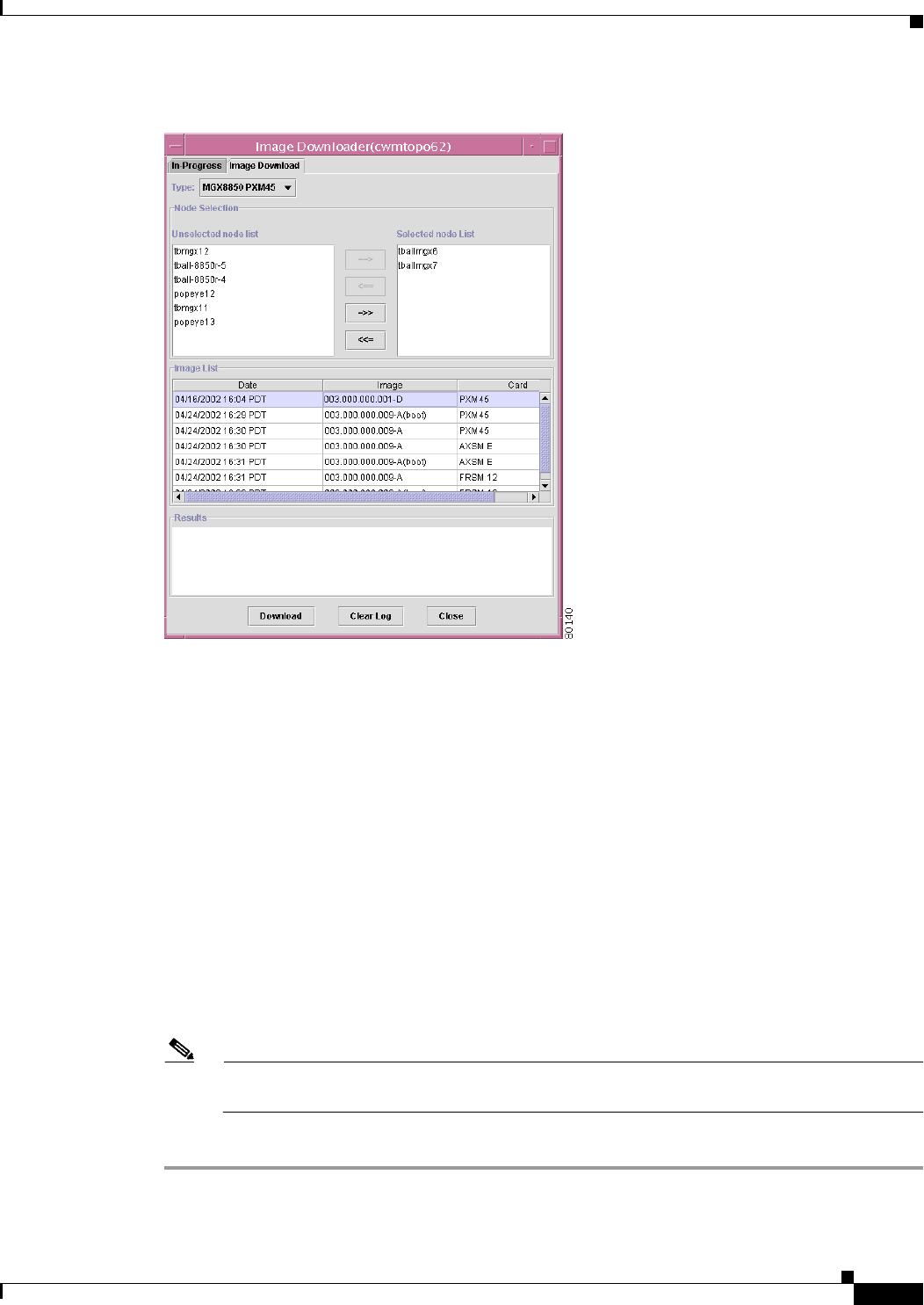
Figure 10-6 Image Download View
Step 3 Choose the node from the Type drop-down arrow that lists all of the available nodes for the selected
platform.
Step 4 Click ==> to move the chosen item(s) from the Unselected node list pane to the Selected node list pane.
Yo u c an :
a. Click <== to deselect the highlighted item(s) from the Selected node list pane back to the
Unselected node list pane.
b. Click =>> to select ALL the items from the Unselected node list pane to the Selected node list
pane.
c. Click <<= to deselect ALL the items from the Selected node list pane back to the Unselected node
list pane.
Step 5 Choose the available image(s) from the Image List area.
Step 6 Click Download.
The chosen image(s) are downloaded to the switch node(s) that are listed in the Selected node list pane.
The result(s) are displayed at the Results area.
Note The message confirms only that the download request is received at the target switch; it does not
indicate that the process is continuing properly.
Step 7 Click Clear Log to clear the message(s) in the Result area.