
Network Router User Manual


Table Of Contents
- Router Platform User Interface Reference
- NAT Policy Page
- Router Interfaces Page
- Advanced Interface Settings Page
- AIM-IPS Interface Settings Page
- Dialer Policy Page
- ADSL Policy Page
- SHDSL Policy Page
- PVC Policy Page
- PPP/MLP Policy Page
- AAA Policy Page
- Accounts and Credential s Policy Page
- Bridging Policy Page
- Clock Policy Page
- CPU Policy Page
- HTTP Policy Page
- Console Policy Page
- VTY Policy Page
- Secure Shell Policy Page
- SNMP Policy Page
- DNS Policy Page
- Hostname Policy Page
- Memory Policy Page
- Secure Device Provisioning Policy Page
- DHCP Policy Page
- NTP Policy Page
- 802.1x Policy Page
- Network Admission Control Policy Page
- Logging Setup Policy Page
- Syslog Servers Policy Page
- Quality of Service Policy Page
- BGP Routing Policy Page
- EIGRP Routing Policy Page
- OSPF Interface Policy Page
- OSPF Process Policy Page
- RIP Routing Policy Page
- Static Routing Policy Page
Appendix K Router Platform User Interface Reference
Static Routing Policy Page
K-264
User Guide for Cisco Security Manager 3.2
OL-16066-01
Tip To choose which columns to display in the table, right-click a column header, then
select Show Columns. For more information about table display options, see
Table Columns and Column Heading Features, page 3-26.
Static Routing Dialog Box
Use the Static Routing dialog box to add or edit static routes.
Navigation Path
Go to the Static Routing Policy Page, page K-263, then click the Add or Edit
button beneath the table.
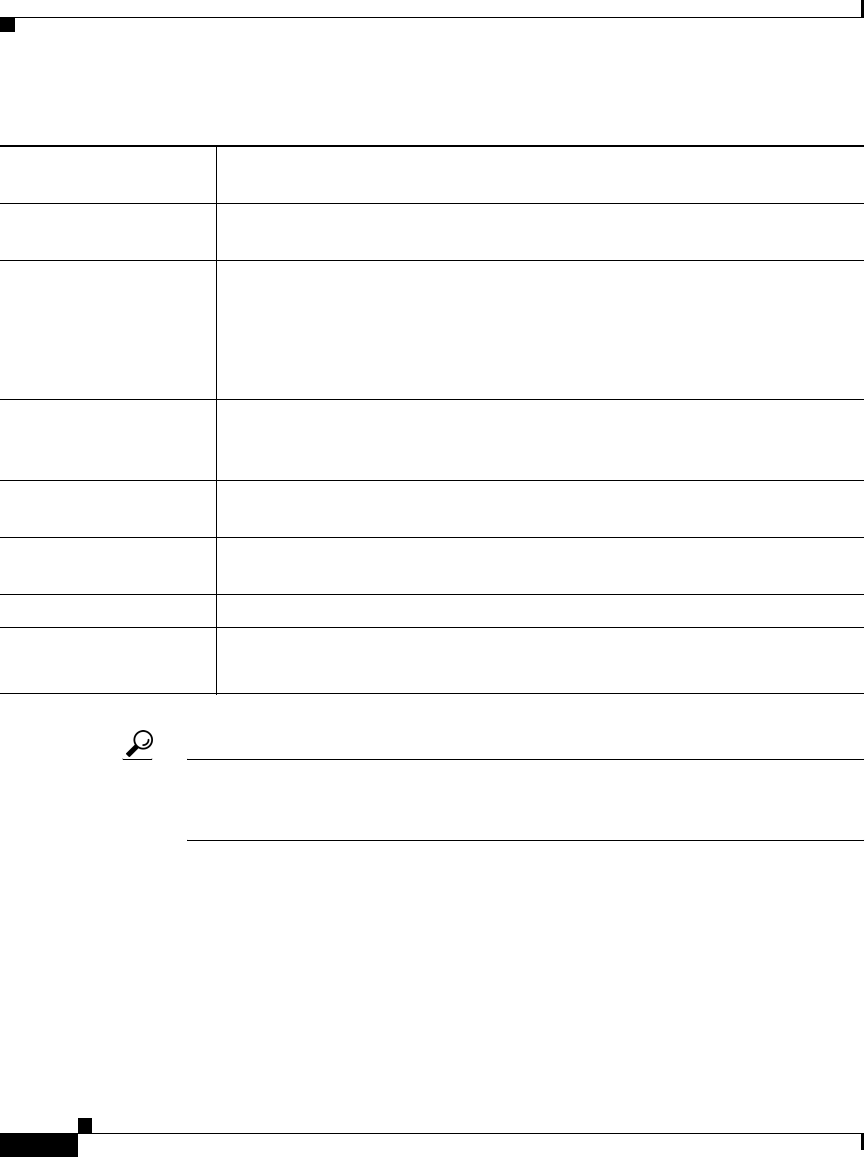
Default Route Indicates whether the static route is the default route for unknown packets
being forwarded by this router.
Interface or IP Address The IP address or the interface name associated with the gateway router that
is the next hop address for this router.
Distance The number of hops from the gateway IP to the destination. The metric
determines the priority of this route. The fewer the hops, the higher the
priority assigned to the route, based on lower costs.
When two routing entries specify the same network, the entry with the lower
metric (that is, the higher priority) is selected.
Permanent Route Indicates whether the static route is defined as a permanent route, which
means that it will not be removed even if the interface is shut down or if the
router is unable to communicate with the next router.
Add button Opens the Static Routing Dialog Box, page K-264. From here you can create
a static route.
Edit button Opens the Static Routing Dialog Box, page K-264. From here you can edit
the selected static route.
Delete button Deletes the selected static routes from the table.
Save button Saves your changes to the Security Manager server but keeps them private.
Note To publish your changes, click the Submit icon on the toolbar.
Table K-125 Static Routing Page (Continued)