
PowerShot S80 Camera User Guide Basic


4
Preparations
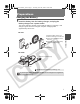
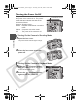
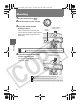
Turning the Power On/Off
The power/mode indicator remains lit while
the power of the camera is on. The power/
mode indicator indicates the state of the
camera as follows.
Orange: Shooting mode
Green : Playback mode/Printer connection
mode
Yellow : Computer connection mode
Off : The power of the camera is off.
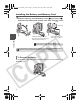
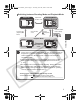
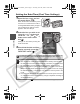
Turning On the Camera in Shooting Mode
1 Open the lens cover.
The power/mode indicator lights orange.
2 Close the lens cover to turn the
power off.
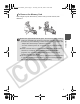
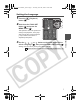
Turning On the Camera in Playback Mode
1 Press the (Playback) button.
When the power is turned on, the power/
mode indicator lights green.
2 Press the (Playback) button
again to turn the power off.
Power/Mode Indicator
01_EC176Basic_E.fm Page 4 Tuesday, June 28, 2005 10:06 AM