
PowerShot E1 Camera User Guide


22
The camera can automatically make all settings so that you can shoot simply
by pressing the shutter button (Auto mode).
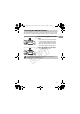
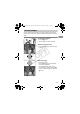
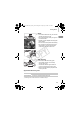
Turn on the camera.
● Press the power button.
X The start-up sound will play, and the start-
up image will appear.
● Pressing the power button again will turn
off the camera.
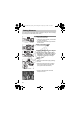
Select a shooting mode.
● Set the mode dial to A.
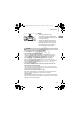
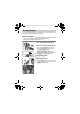
Compose the shot of your subject.
● Moving the zoom lever towards i will
zoom in on your subject making it appear
larger. Moving the lever towards j will
zoom out from your subject making it
appear smaller.
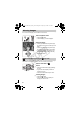
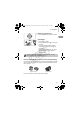
Focus.
● Press the shutter button lightly (halfway)
to focus.
X When the camera focuses, it will beep
twice and the indicator will light green
(orange when the flash will fire).
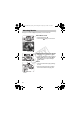
X Green AF frames appear where the
subject is in focus.
Taking Pictures
Indicator
AF Frame
(EC255) CDP-E065_Guide_E.book Page 22 Friday, July 4, 2008 10:35 AM
COPY