
LV7565_Basic_Command_Specification

Basic Serial Command Specification Page 17 of 20
7. State Read Command
7.1. Format
7.1.1. PC sends Command as below format
“CR” Command [CR]
Command: 1 character (See Status Read Command Table)
7.1.2. When Projector receives the appropriate command; it returns a character line as the
required data.
Required Data [CR]
Required Data: a character line
7.1.3. When receiving data cannot be decode, the Projector returns “?” [CR].
7.2. Transfer Example
Get Input mode for the Projector by basic commands.
Command (Current input mode command issue)
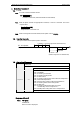
PC ! Projector “C” “R” “1” CR
Projector ! PC “1” CR
"-------------! Response
(A few ms ~ 1s)
(Shows Computer 1 is selected now)
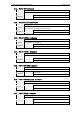
7.3. Status Read Command
Command “CR0” [CR]
Detail Read the Projector status.
Acceptable “%1” [CR]
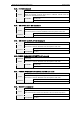
%1
”00” = POWER ON
“80” = STANDBY
“40” = Processing Count Down
“20” = Processing Cooling Down
“10” = Power Failure
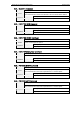
“28” = Processing cooling down due to abnormal temperature
“08” = Abnormal Temperature
“88” = Normal after recovering abnormal temperature
“24” = Processing Power Save-Cooling Down
“04” = Power Save
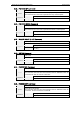
“21” = Processing cooling down after turning off
automatically due to a lamp failure
“81”= Standby after cooling down due to a lamp failure
Response
Unacceptable “?” [CR]
[Response of Detail]
7.3.1. “00” [CR]
POWER ON
Normal screen is displayed.