
imagePROGRAF PRO-6000S series (PDF) User Manual (Windows)



Automatically Switch Rolls
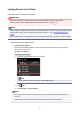
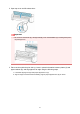
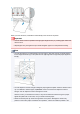
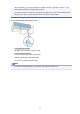
By using the roll unit as a roll paper feed device, you can load an upper roll (Roll 1 on printer) and a lower
roll (Roll 2 on the roll unit) and print while automatically changing between Roll 1 and Roll 2 depending on
the print job.
For details on how to switch between Roll 1 and Roll 2, see "How to Switch Paper Rolls" (Windows) or "How
to Switch Paper Rolls" (Mac OS).
Important
• If Paper retention setting is set to Release, automatic switching of roll paper cannot be used.
91