
Guide for Preview (Windows)

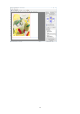

Enlarge/Reduce the screen display
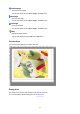
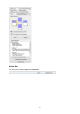
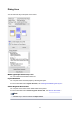
You can enlarge or reduce the screen display when you select Zoom from the View menu.
Setting Details
Fit Screen Display all.
Fit to Width Display to the width of the paper.
Reduce Display at half of the standard size.
Standard Display at the standard size.
Enlarge Display with the double of the standard size.
Enlarge More Display with the triple of the standard size.
Note
• This item can be selected even if you have clicked the button in the toolbar Zoom.
26